2020 SwiftUI & UI Frameworks
WWDC20 · 17 min · SwiftUI & UI Frameworks
Lists in UICollectionView
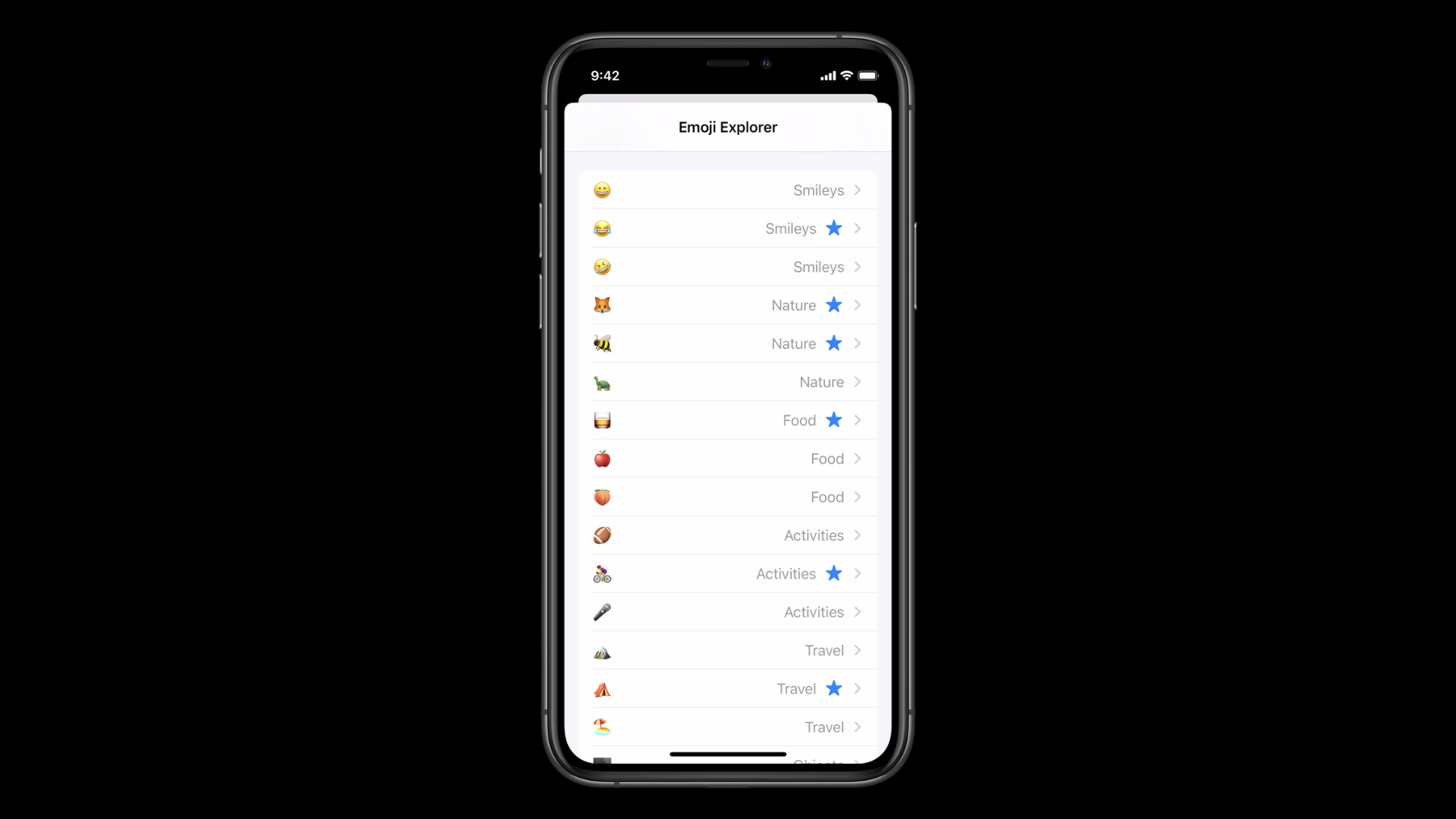
Learn how to build lists and sidebars in your app with UICollectionView. Replace table view appearance while taking advantage of the full flexibility of compositional layout. Explore modular layout options and find out how they can unlock more design options for your apps than ever before. Find out how to combine table view-like lists with custom compositional layouts inside of a single UICollectionView. Discover how to work with lists, create richer cells, and customize your layout to create a well-designed presentation of information within your app. To get the most out of this session, you should have a basic understanding of compositional layouts. Watch “Advances in Collection View Layout” from WWDC19 for more information.
Watch at developer.apple.com ↗Code shown on screen · 9 snippets
Simple Setup
// Simple setup

let configuration = UICollectionLayoutListConfiguration(appearance: .insetGrouped)
let layout = UICollectionViewCompositionalLayout.list(using: configuration)
Per-Section Setup
// Per section setup

let configuration = UICollectionLayoutListConfiguration(appearance: .insetGrouped)
let section = NSCollectionLayoutSection.list(using: configuration, layoutEnvironment: layoutEnvironment)
Per-Section Setup full
// Per section setup

let layout = UICollectionViewCompositionalLayout() {
    [weak self] sectionIndex, layoutEnvironment in
    guard let self = self else { return nil }

    // @todo: add custom layout sections for various sections

    let configuration = UICollectionLayoutListConfiguration(appearance: .insetGrouped)
    let section = NSCollectionLayoutSection.list(using: configuration, layoutEnvironment: layoutEnvironment)
    return section
}
Header Mode Supplementary
var configuration = UICollectionLayoutListConfiguration(appearance: .insetGrouped)
configuration.headerMode = .supplementary
let layout = UICollectionViewCompositionalLayout.list(using: configuration)

dataSource.supplementaryViewProvider = { (collectionView, elementKind, indexPath) in
    if elementKind == UICollectionView.elementKindSectionHeader {
        return collectionView.dequeueConfiguredReusableSupplementary(using: header, for: indexPath)
    }
    else {
        return nil
    }
}
Header Mode Supplementary Optional Header
let layout = UICollectionViewCompositionalLayout() {
    [weak self] sectionIndex, layoutEnvironment in
    guard let self = self else { return nil }

    // check if this section should show a header, e.g. by implementing a shouldShowHeader(for:) method.
    let sectionHasHeader = self.shouldShowHeader(for: sectionIndex)

    let configuration = UICollectionLayoutListConfiguration(appearance: .insetGrouped)
    configuration.headerMode = sectionHasHeader ? .supplementary : .none
    let section = NSCollectionLayoutSection.list(using: configuration, layoutEnvironment: layoutEnvironment)
    return section
}
Header Mode First Item In Section
var configuration = UICollectionLayoutListConfiguration(appearance: .insetGrouped)
configuration.headerMode = .firstItemInSection
let layout = UICollectionViewCompositionalLayout.list(using: configuration)
Swipe Actions
let cellRegistration = UICollectionView.CellRegistration<UICollectionViewListCell, Model> { (cell, indexPath, item) in
    // @todo configure the cell's content

    let markFavorite = UIContextualAction(style: .normal, title: "Mark as Favorite") {
        [weak self] (_, _, completion) in
        guard let self = self else { return }
        // trigger the action with a reference to the model
        self.markItemAsFavorite(with: item.identifier)
        completion(true)
    }
    cell.leadingSwipeActionsConfiguration = UISwipeActionsConfiguration(actions: [markFavorite])
}
Accessories
let cellRegistration = UICollectionView.CellRegistration<UICollectionViewListCell, String> { (cell, indexPath, item) in
    // @todo configure the cell's content

    cell.accessories = [
        .disclosureIndicator(),
        .delete()
    ]
}
Accessories w/ Parameters
let cellRegistration = UICollectionView.CellRegistration<UICollectionViewListCell, String> { (cell, indexPath, item) in
    // @todo configure the cell's content

    cell.accessories = [
        .disclosureIndicator(displayed: .whenNotEditing),
        .delete()
    ]
}
Resources
Related sessions
-
 30 min
 -
 12 min
 -
 10 min
 -
 24 min
 -
 50 min