2020 Developer Tools
WWDC20 · 20 min · Developer Tools
Become a Simulator expert
Simulator runs your iOS, iPadOS, tvOS, or watchOS apps directly on your Mac — no separate device required. We’ll give you a tour of the app’s latest tools and features and show you how to sharpen your Simulator skills. Discover how to test pointer and trackpad support, adjust Simulator preferences, and use command line tools like simctl to help you simulate push notifications in a development environment. While you can get a quick overview of Simulator in this session, for more detailed information about the tool you may want to refresh yourself on “Getting the Most Out of Simulator” from WWDC19.
Watch at developer.apple.com ↗Code shown on screen · 11 snippets
Grant permission to protected resources
xcrun simctl privacy booted grant calendar com.example.MyApp

xcrun simctl privacy booted grant photos com.example.MyApp

xcrun simctl privacy booted grant contacts com.example.MyApp
Revoke permission to protected resources
xcrun simctl privacy booted revoke calendar com.example.MyApp

xcrun simctl privacy booted revoke all com.example.MyApp

xcrun simctl privacy booted reset all
Sample push notification for Simulator
{
  "Simulator Target Bundle": "com.example.MyApp",
  "aps": {
       "alert": {
           "title": "Push Notification",
           "subtitle": "New fruit smoothies are available",
           "body": "We know you'll love these delicious concoctions 🥰"
       }
   }
}
Send a push notification to a specific Bundle ID
xcrun simctl push booted com.example.MyApp payload.jsonSend a push notification to the Bundle ID in the payload
xcrun simctl push booted payload.jsonRecord a video
xcrun simctl io booted recordVideo video.mp4Record a video in H.264 without the device mask
xcrun simctl io booted recordVideo --codec h264 --mask ignored video.mp4Record a video of the external display
xcrun simctl io booted recordVideo --display external external.mp4Override the status bar
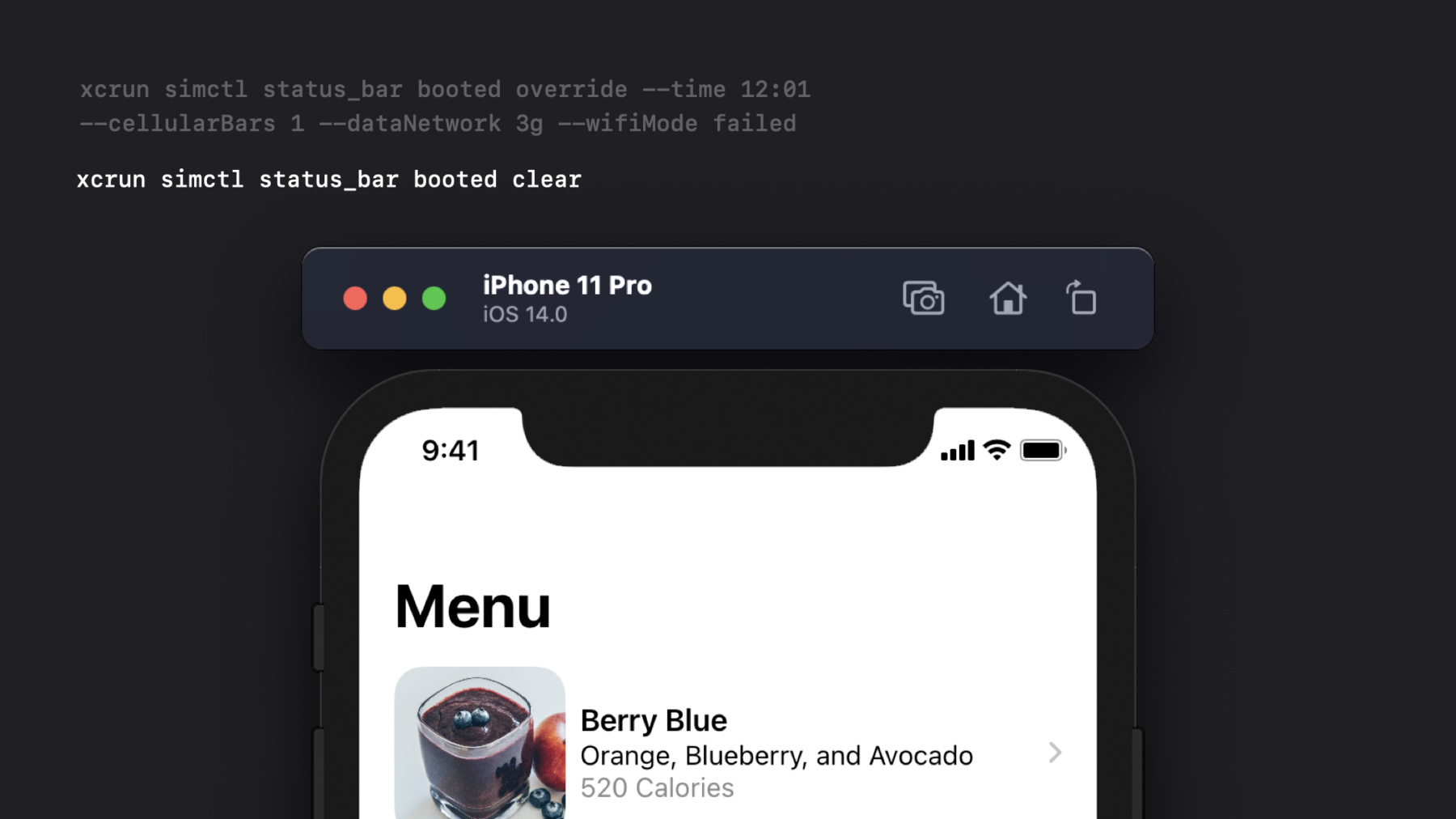
xcrun simctl status_bar booted override --time 12:01 --cellularBars 1 --dataNetwork 3g --wifiMode failedClear status bar overrides
xcrun simctl status_bar booted clearAdd a certificate to the root store
xcrun simctl keychain booted add-root-cert myCA.pemRelated sessions
-
 43 min