2020 Audio & Video
WWDC20 · 9 min · Audio & Video
Support multiple users in your tvOS app
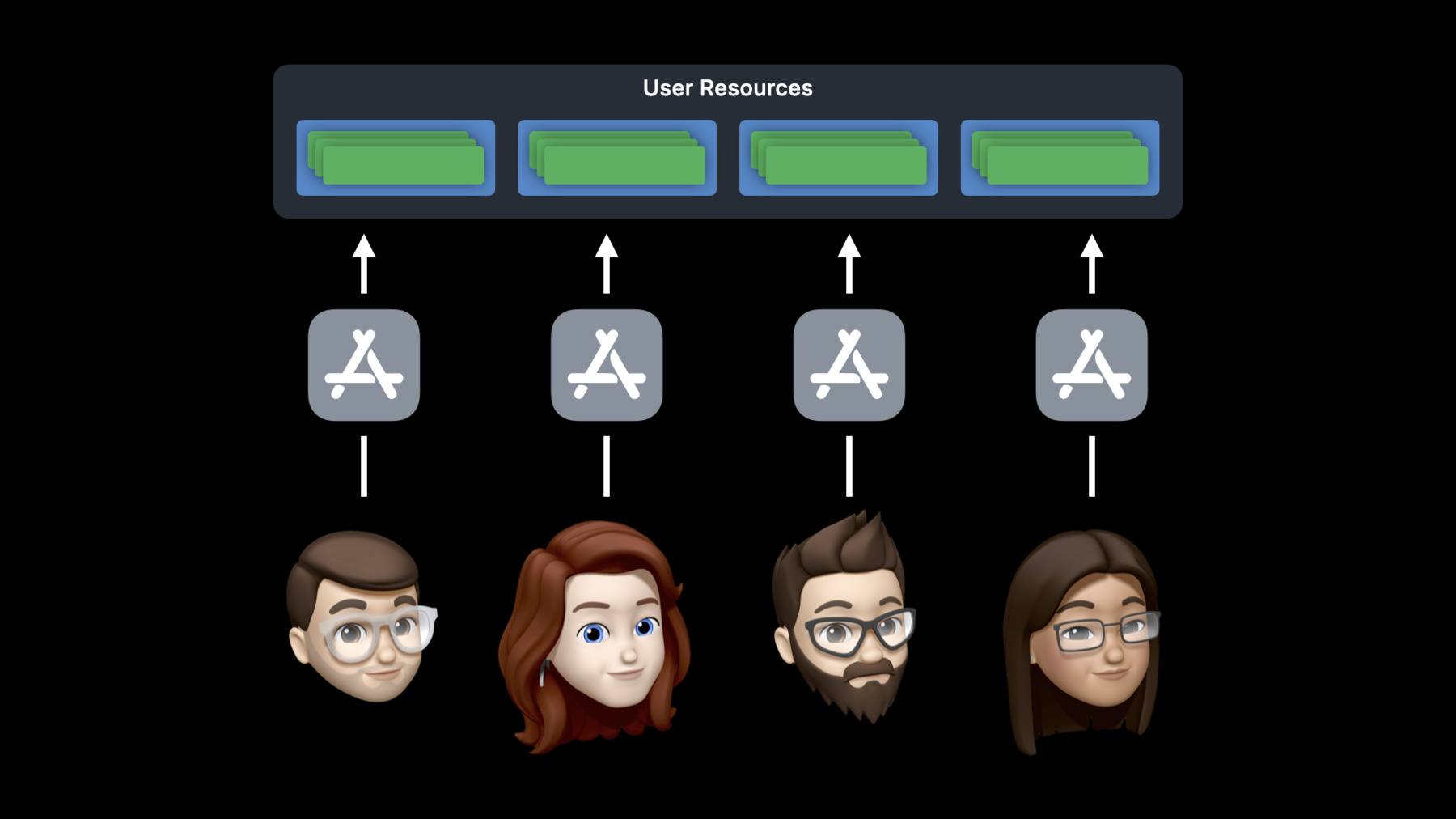
Share your living room — not your Apple TV apps. When you support profiles within your app, you can customize your experience for each person who uses Apple TV within the same house. Discover how the “Runs as Current User” feature lets someone interact with your app, download local content, and log into iCloud or Game Center, all without affecting their family or housemates. We’ll show you how to implement this capability in your app, save recent data before switching profiles, handle notifications, and safeguard privacy. To get the most out of this session, you should have a basic understanding of modern tvOS frameworks and controls. Watching “Mastering the Living Room with tvOS” will give you a great overview.
Watch at developer.apple.com ↗Code shown on screen · 2 snippets
Application Lifecycle
func applicationWillTerminate(_ application: UIApplication) {
    guard game.hasUnsavedChanges else { return }

    let semaphore = DispatchSemaphore(value: 0)
    game.save { _ in semaphore.signal() }
    semaphore.wait()
}
CloudKit Notifications
func application(
    _ application: UIApplication,
    didReceiveRemoteNotification userInfo: [AnyHashable : Any],
    fetchCompletionHandler completionHandler: @escaping (UIBackgroundFetchResult) -> Void
) {
    if let notification = CKNotification(fromRemoteNotificationDictionary: userInfo),
       notification.subscriptionOwnerUserRecordID == game.currentUserRecordID {
        game.handle(notification, completionHandler: completionHandler)
    }
    else {
        completionHandler(.noData)
    }
}
Resources
Related sessions
-
 15 min