2020 App Services
WWDC20 · 26 min · App Services
Accelerate your app with CarPlay
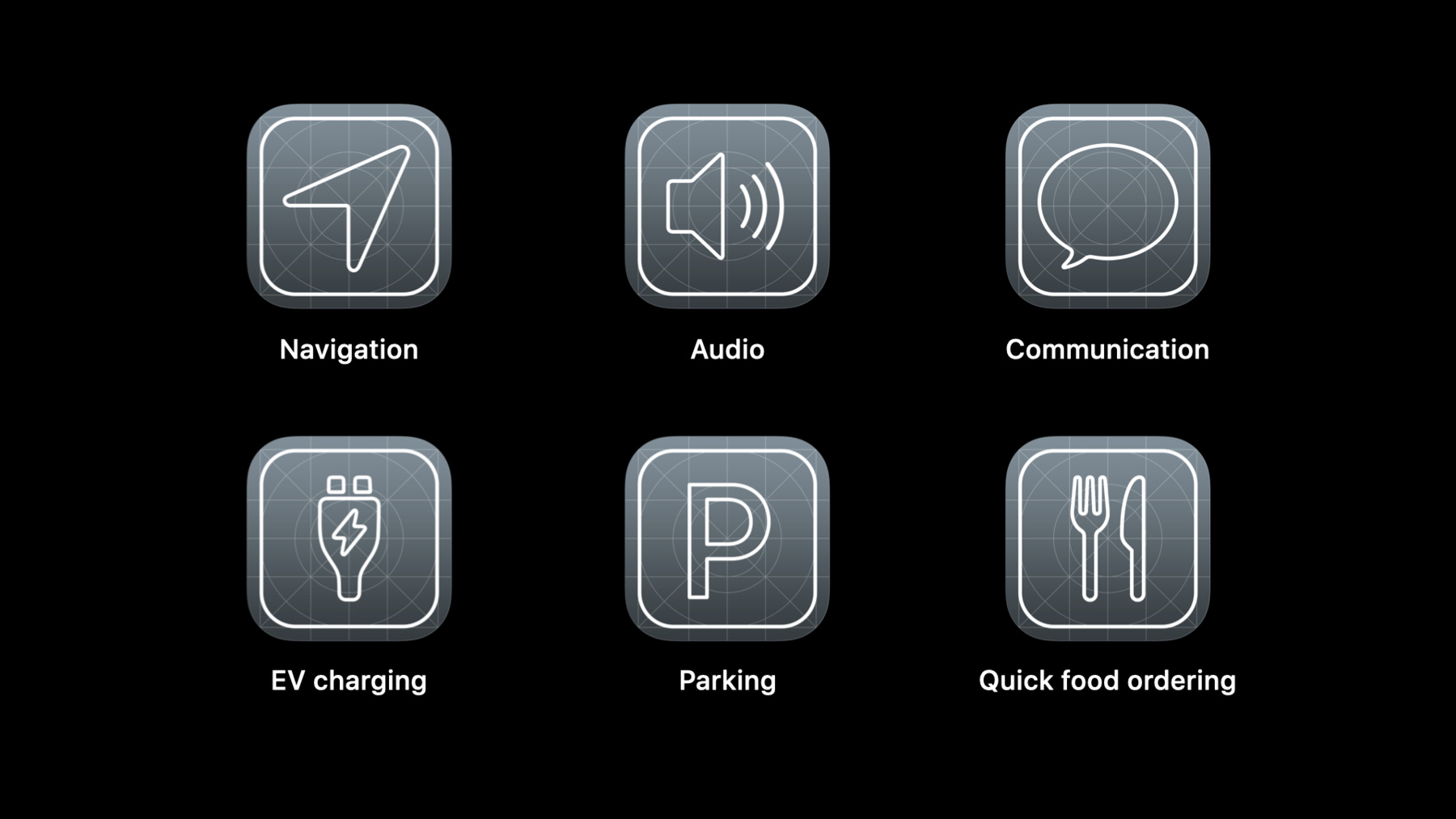
CarPlay is the smarter, safer way for people to use iPhone in the car. We’ll show you how to build great apps for the car screen, and introduce you to developing CarPlay apps in categories like EV charging, parking, and quick food ordering. We’ll also share how existing audio and communication apps can take advantage of improvements to the CarPlay framework to create a more flexible UI.
Watch at developer.apple.com ↗Code shown on screen · 10 snippets
CarPlay scene manifest
// CarPlay Scene Manifest

<key>UIApplicationSceneManifest</key>
<dict>
    <key>UISceneConfigurations</key>
	<dict>
		<key>CPTemplateApplicationSceneSessionRoleApplication</key>
		<array>
			<dict>
				<key>UISceneClassName</key>
				<string>CPTemplateApplicationScene</string>
				<key>UISceneConfigurationName</key>
				<string>MyApp—Car</string>
				<key>UISceneDelegateClassName</key>
				<string>MyApp.CarPlaySceneDelegate</string>
			</dict>
		</array>
	</dict>
</dict>
CarPlay app lifecycle
// CarPlay App Lifecycle

import CarPlay

class CarPlaySceneDelegate: UIResponder, CPTemplateApplicationSceneDelegate {
    var interfaceController: CPInterfaceController?

    func templateApplicationScene(_ templateApplicationScene: CPTemplateApplicationScene,
            didConnect interfaceController: CPInterfaceController) {

        self.interfaceController = interfaceController
        let item = CPListItem(text: "Rubber Soul", detailText: "The Beatles")
        let section = CPListSection(items: [item])
        let listTemplate = CPListTemplate(title: "Albums", sections: [section])
        interfaceController.setRootTemplate(listTemplate, animated: true)
    }

  func templateApplicationScene(_ templateApplicationScene: CPTemplateApplicationScene,
            didDisconnect interfaceController: CPInterfaceController) {
    self.interfaceController = nil
}
Create a CPListTemplate
// CPListTemplate

import CarPlay

let item = CPListItem(text: "Rubber Soul", detailText: "The Beatles")
let section = CPListSection(items: [item])
let listTemplate = CPListTemplate(title: "Albums", sections: [section])
self.interfaceController.pushTemplate(listTemplate, animated: true)
Handle user selection in a list item
// CPListTemplate

import CarPlay

let item = CPListItem(text: "Rubber Soul", detailText: "The Beatles")
item.listItemHandler = { item, completion, [weak self] in
    // Start playback, then...
    self?.interfaceController.pushTemplate(CPNowPlayingTemplate.shared, animated: true)
    completion()
}

// Later...
item.image = ...
Create a CPTabBarTemplate
// CPTabBarTemplate

import CarPlay

let item = CPListItem(text: "Rubber Soul", detailText: "The Beatles")
let section = CPListSection(items: [item])
let favorites = CPListTemplate(title: "Albums", sections: [section])
favorites.tabSystemItem = .favorites
favorites.showsTabBadge = true

let albums: CPGridTemplate = ...
albums.tabTitle = "Albums"
albums.tabImage = ...

let tabBarTemplate = CPTabBarTemplate(templates: [favorites, albums])
self.interfaceController.setRootTemplate(tabBarTemplate, animated: false)

// Later...
favorites.showsTabBadge = false
tabBarTemplate.updateTemplates([favorites, albums])
Create a CPListImageRowItem
// List Items for Audio Apps

import CarPlay

let gridImages: [UIImage] = ...
let imageRowItem = CPListImageRowItem(text: "Recent Audiobooks", images: gridImages)

imageRowItem.listItemHandler = { item, completion in
    print("Selected image row header!")
    completion()
}

imageRowItem.listImageRowHandler = { item, index, completion in
    print("Selected artwork at index \(index)!")
    completion()
}

let section = CPListSection(items: [imageRowItem])
let listTemplate = CPListTemplate(title: "Listen Now", sections: [section])
self.interfaceController.pushTemplate(listTemplate, animated: true)
Configure the shared now playing template
// Now Playing Template

import CarPlay

class CarPlaySceneDelegate: UIResponder, CPTemplateApplicationSceneDelegate {

    func templateApplicationScene(_ templateApplicationScene: CPTemplateApplicationScene,
            didConnect interfaceController: CPInterfaceController) {

        let nowPlayingTemplate = CPNowPlayingTemplate.shared

        let rateButton = CPNowPlayingPlaybackRateButton() { button in

            // Change the playback rate!

        }
        nowPlayingTemplate.updateNowPlayingButtons([rateButton])
    }
}
Handle Point of Interest Template map region changes
// CPPointOfInterestTemplateDelegate

func pointOfInterestTemplate(_ template: CPPointOfInterestTemplate,
                             didChangeMapRegion region: MKCoordinateRegion) {

    self.locationManager.locations(for: region) { locations in
        template.setPointsOfInterest(locations, selectedIndex: 0)
    }
}
Create points of interest
// CPPointOfInterest creation

func locations(for region: MKCoordinateRegion,
               handler: ([CPPointOfInterest]) -> Void) {
    var tempateLocations: [CPPointOfInterest] = []

    for clientModel in self.executeQuery(for: region) {
        let templateModel : CPPointOfInterest = self.locations[clientModel.mapItem] ??
                CPPointOfInterest(location: clientModel.mapItem,
                                  title: clientModel.title,
                                  subtitle: clientModel.subtitle,
                                  informativeText: clientModel.informativeText,
                                  image: clientModel.mapImage)


        tempateLocations.append(templateModel)
    }
    handler(templateLocations)
}
Point of interest selection buttons
// Point of Interest Template location selection

let primaryButton = CPPointOfInterestButton(title: "Select") { button, [weak self] in
            let selectedIndex = ...

            if selectedIndex != NSNotFound {
                // Remove any existing selected state on previous location
                self?.selectedLocation.image = defaultMapImage
                // Change annotation for selected POI
                self?.selectedLocation = templateModel
                templateModel.image = selectedMapImage
                // Update the template with new values
                self?.pointOfInterestTemplate.selectedIndex = selectedIndex
            }
        }

let templateModel: CPPointOfInterest = ...

templateModel.primaryButton = primaryButton
Resources
Related sessions
-
 21 min
 -
 28 min
 -
 39 min