2020 Graphics & GamesSpatial Computing
WWDC20 · 25 min · Graphics & Games / Spatial Computing
What’s new in RealityKit
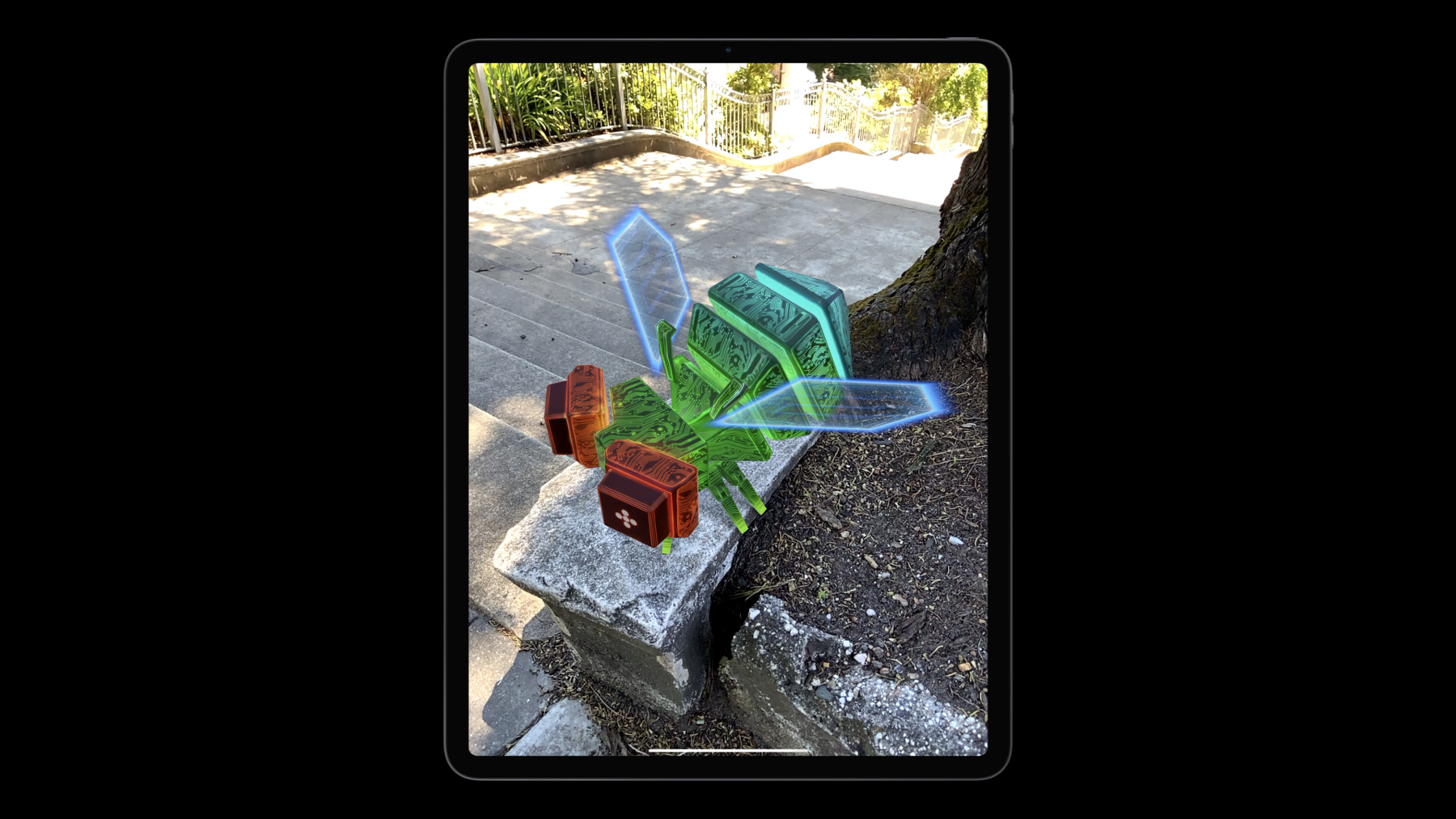
RealityKit is Apple’s rendering, animation, physics, and audio engine built from the ground up for augmented reality: It reimagines the traditional 3D renderer to make it easy for developers to prototype and produce high-quality AR experiences. Learn how to effectively implement each of the latest improvements to RealityKit in your app. Discover features like video textures, scene understanding using the LiDAR scanner on iPad Pro, Location Anchors, face tracking, and improved debugging tools. To get the most out of this session, you should understand the building blocks of developing RealityKit-based apps and games. Watch “Introducing RealityKit and Reality Composer” for a primer. For more on how you can integrate Reality Composer into your augmented reality workflow, watch "The artist’s AR toolkit".
Watch at developer.apple.com ↗Code shown on screen · 4 snippets
Loading a video material
// Use AVFoundation to load a video
let asset = AVURLAsset(url: Bundle.main.url(forResource: "glow", withExtension: "mp4")!)
let playerItem = AVPlayerItem(asset: asset)

// Create a Material and assign it to your model entity...
let player = AVPlayer()
bugEntity.materials = [VideoMaterial(player: player)]

// Tell the player to load and play
player.replaceCurrentItem(with: playerItem)
player.play()
Implementing object avoidance with scene understanding
// Get the position and forward direction of the bug in world space
let bugOrigin = bug.position(relativeTo: nil)
let bugForward = bug.convert(direction: [0, 0, 1], relativeTo: nil)

// Perform a raycast
let collisionResults = arView.scene.raycast(origin: bugOrigin, direction: bugForward)

// Get all hits against a Scene Understanding Entity
let filteredResults = collisionResults.filter { $0.entity as? HasSceneUnderstanding }

// Pick the closest one and get the collision point
guard let closestCollisionPoint = filteredResults.first?.position else {
	return
}

if length(bugOrigin - closestCollisionPoint) < safeDistance {
  // Avoid obstacle too close to object’s forward
}
Using collision events with a scene understanding entity
// Subscribe to all collision events
arView.scene.subscribe(to: CollisionEvents.Began.self) { event in
    // Get any entity if it conforms to HasSceneUnderstanding
    guard let sceneUnderstandingEntity = (event.entityA as? HasSceneUnderstanding)
                                      ?? (event.entityB as? HasSceneUnderstanding)
    else {
       // Did not collide with real world
       return
    }
    // The bug entity is the one that is not the scene understanding entity
    let bugEntity = (sceneUnderstandingEntity == event.entityA)
                   ? event.entityB : event.entityA

   // Disintegrate the bug entity
   …
}
Real world collision filtering
// Only collide with real world
entity.collision?.filter.mask = [.sceneUnderstanding]

// Never collide with real world
entity.collision?.filter.mask = CollisionGroup.all.subtracting(.sceneUnderstanding)
Resources
Related sessions
-
 25 min
 -
 30 min
 -
 28 min
 -
 28 min
 -
 37 min