2020 SwiftUI & UI FrameworksAudio & Video
WWDC20 · 19 min · SwiftUI & UI Frameworks / Audio & Video
Master Picture in Picture on tvOS
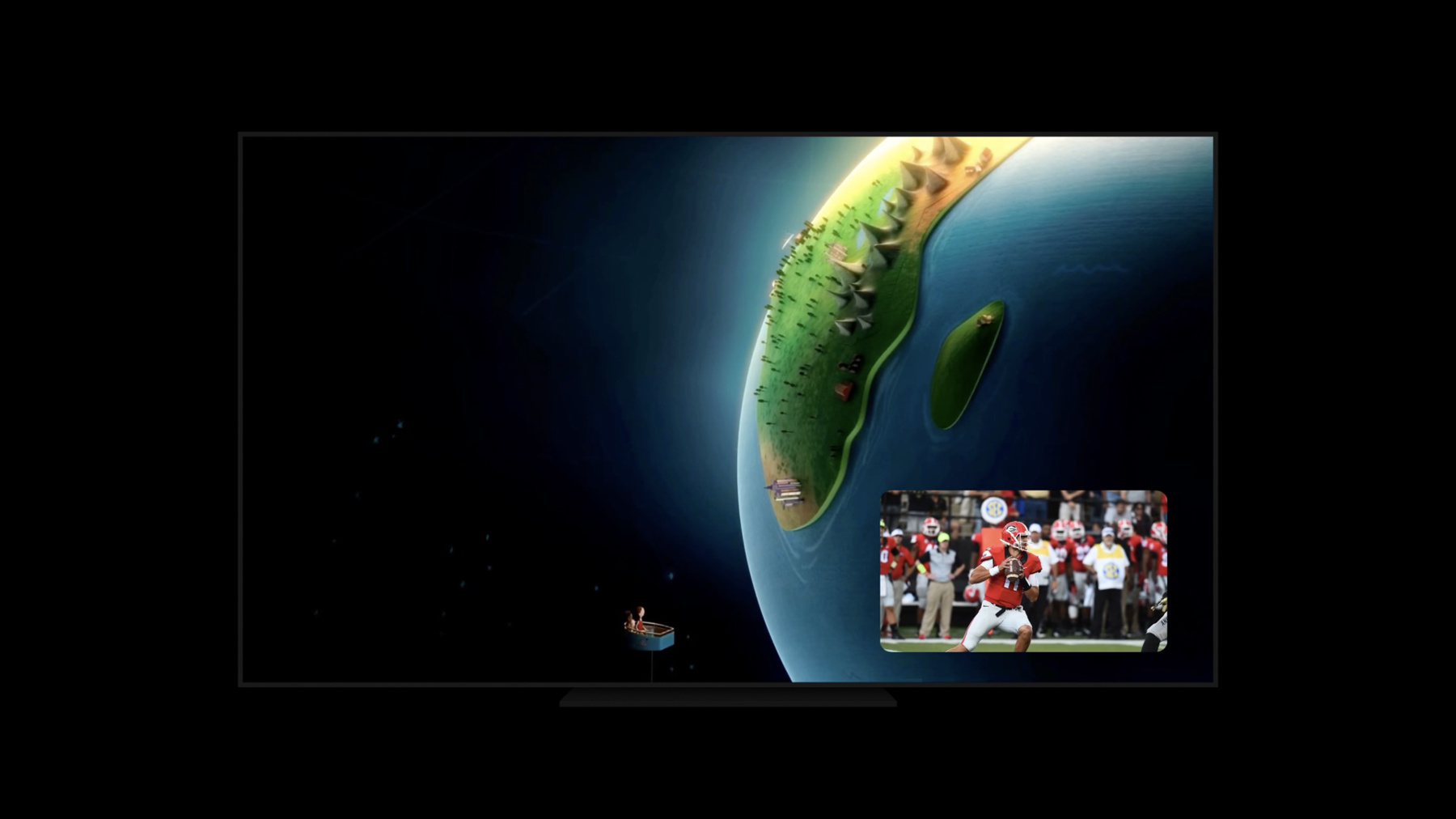
Picture in Picture is coming to Apple TV: With simultaneous video playback and the ability to swap between full screen content and Picture in Picture, you’ve never had more multitasking flexibility within your tvOS app. Discover how you can add AVPictureInPictureController to your project, leverage familiar APIs to create custom playback interfaces, and implement the best playback experience possible for people using your app. We’ll also show you how to migrate away from the "swipe up" gesture to activate customOverlayViewController, as AVPlayerViewController now uses that gesture in tvOS 14. To get the most out of this session, you should have a basic understanding of AVKit. For more information, watch "Delivering Intuitive Media Playback with AVKit." We can’t wait to see how you take advantage of tvOS’s unique Picture in Picture features with AVPlayerViewController.
Watch at developer.apple.com ↗Code shown on screen · 3 snippets
Setting up your app's audio session
let audioSession = AVAudioSession.sharedInstance()
do {
    try audioSession.setCategory(.playback)
} catch {
    print("Setting category to AVAudioSessionCategoryPlayback failed.")
}
Observering canStopPictureInPicture
_ = pipController.observe(\.canStopPictureInPicture) { controller, change in
    // Update your UI
    if controller.canStopPictureInPicture {
        pipActions = [.swap, .stop]
    } else {
        pipActions = [.start]
    }
}
Tying AVPlayer with MPNowPlayingSession
final class CustomPlayerViewController: UIViewController {

    init(player: AVPlayer) {
        let playerLayer = AVPlayerLayer(player: player)
        pictureInPictureController = AVPictureInPictureController(playerLayer: playerLayer)

        nowPlayingSession = MPNowPlayingSession(players: [player])
    }

    private func publishNowPlayingMetadata() {
        nowPlayingSession.nowPlayingInfoCenter.nowPlayingInfo = // Your Now Playing info
        nowPlayingSession.becomeActiveIfPossible()
    }
}
Resources
Related sessions
-
 11 min
 -
 40 min