2020 Design
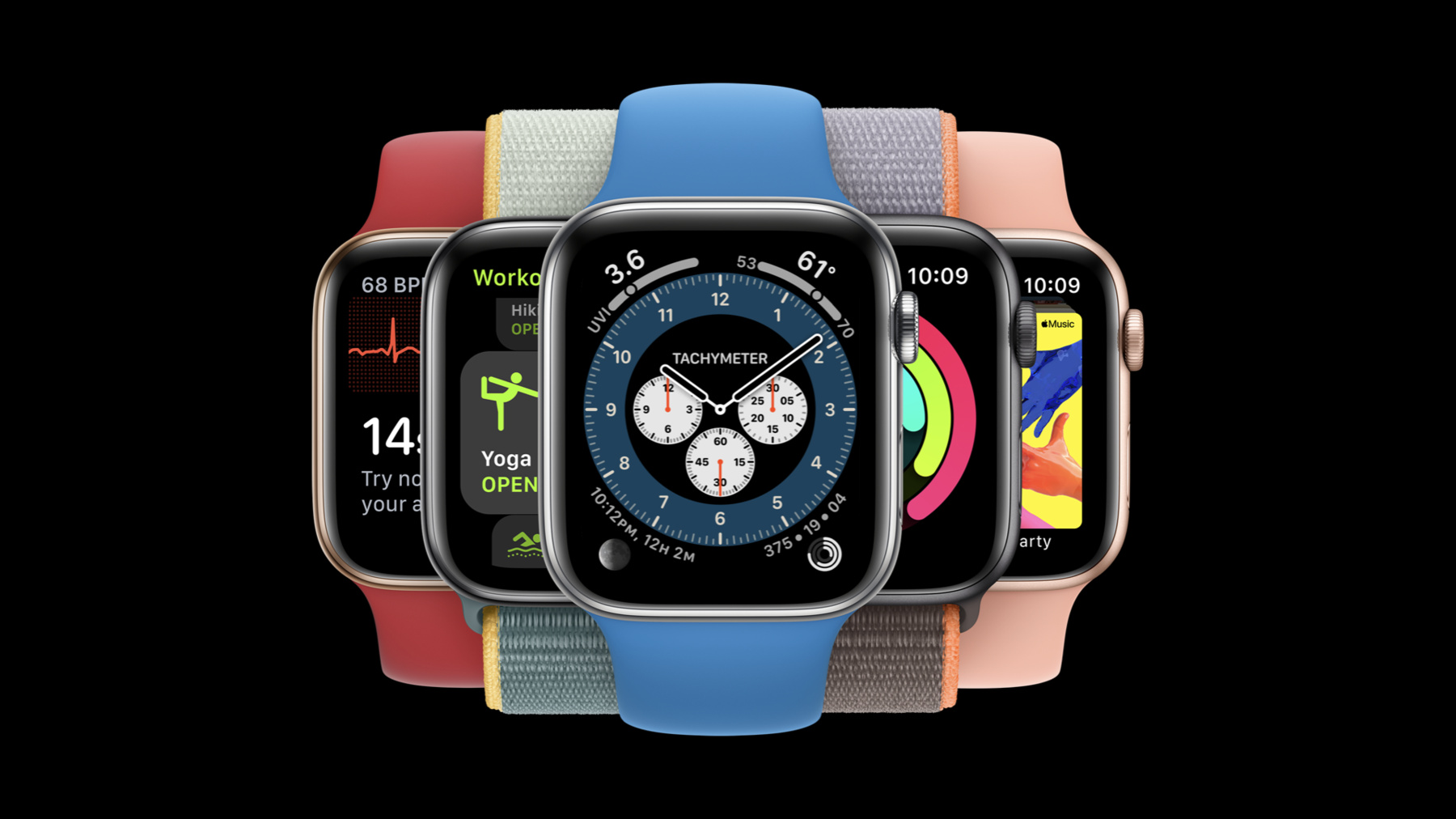
What’s new in watchOS design
Great watchOS apps are simple and direct. Actions should be discoverable, predictable and relevant. This session covers effective strategies for displaying actions in your watchOS app, whether they are primary buttons that begin core tasks, or contextual actions that might be less commonly used but are still important to offer. For more on implementing actions with the latest UI frameworks, check out "SwiftUI on watchOS."
Watch at developer.apple.com ↗Code shown on screen · 3 snippets
Picker
List {
    Picker(selection: $viewing
           title: Text("Viewing")) {
       // Viewing options
    }
    // Stocks
}
onDelete Modifier
List {
    ForEach(model.locations) {
        ClockCell(location: $0)
    }
    .onDelete { deleteClock(index: $0) }
}
Toolbar
.toolbar {
    Button(action: newMessage) {
        Label("New Message",
              systemImage: "square.and.pencil")
    }
}
Resources
Related sessions
-
 31 min