2020 Privacy & SecuritySwift
WWDC20 · 17 min · Privacy & Security / Swift
Explore logging in Swift
Meet the latest generation of Swift unified logging APIs. Learn how to log events and errors in your app while preserving privacy. Take advantage of powerful yet readable options for formatting data — all without sacrificing performance. And we’ll show you how you can gather and process log messages to help you understand and debug unexpected behavior in your apps.
Watch at developer.apple.com ↗Code shown on screen · 9 snippets
Example illustrating how to add logging to your app in three simple steps
// Add logging to your app in three simple steps

import os

let logger = Logger(subsystem: "com.example.Fruta", category: "giftcards")

func beginTask(url: URL, handler: (Data) -> Void) {
    launchTask(with: url) {
       handler($0)
    }

    logger.log("Started a task")
}
An example code that logs a message with run-time data
// Add runtime data to the log messsage using string interpolation

import os

let logger = Logger(subsystem: "com.example.Fruta", category: "giftcards")

func beginTask(url: URL, handler: (Data) -> Void) {
    launchTask(with: url) {
       handler($0)
    }
    logger.log("Started a task \(taskId)")
}
Example illustrating why nonnumeric types are redacted in the logs by default
logger.log("Paid with bank account \(accountNumber)")Code that shows how to mark public data so that it is displayed in the logs
logger.log("Ordered smoothie \(smoothieName, privacy: .public)")Code shown during first demo
import SwiftUI
import os
let logger = Logger(subsystem: "com.example.Fruta", category: "giftcards")
struct GiftCardView: View {
// Denotes whether there is an active task for loading gift cards.
private var taskRunning: Bool = false
// A UUID that uniquely identifies a task.
private var currentTaskID: UUID = UUID()
// An unrecoverable error seen during execution.
private var error: Error? = nil
// A model that stores information about gift cards.
var model: GiftCardModel
var body: some View {
// Display a list of gifts which can be tapped on and scrolled through.
GiftCardList(model: model, taskRunning: $taskRunning, currentTaskID: $currentTaskID, error: $error, downloadAction: beginTask, stopAction: endTask)
.navigationTitle("Gift Cards")
}
// Start a task to download gift cards from a server.
func beginTask(serverURL: URL, cardDownloadHandler: @escaping (Data) -> Void) {
logger.log("Starting a new task for loading cards \(currentTaskID, privacy: .public)")
launchTask(with: serverURL) {
cardDownloadHandler($0)
}
}
// Stop the currently running task for downloading cards from a server.
func endTask() {
guard taskRunning else {
logger.fault("Task \(currentTaskID, privacy: .public) is not runinng, cannot be stopped!")
error = TaskError.noActiveTask
return
}
taskRunning = false
logger.log("Task \(currentTaskID, privacy: .public) interrupted")
}
// Start a URLSession dataTask with the given URL.
func launchTask(with url: URL, handler: @escaping (Data) -> Void) {
guard error == nil else {
return
}
taskRunning = true
let task = URLSession.shared.dataTask(with: url) {
data, response, error in
if let error = error {
self.error = ConnectionError.other(error)
}
if let data = data {
handler(data)
}
}
task.resume()
}
}Illustration of how debug-level logging will not evaluate the code that constructs log message
logger.debug("\(slowFunction(data))")Code that shows how to display run-time data with a fixed width and how to set precision of a floating-point value using formatting options
import SwiftUI
import os

let statisticsLogger = Logger(subsystem: "com.example.Fruta", category: "statistics")

// Log statistics about communication with a server.
func logStatistics(taskID: UUID, giftCardID: String, serverID: Int, seconds: Double) {
    statisticsLogger.log("\(taskID) \(giftCardID, align: .left(columns: GiftCard.maxIDLength)) \(serverID) \(seconds, format: .fixed(precision: 2))")
}
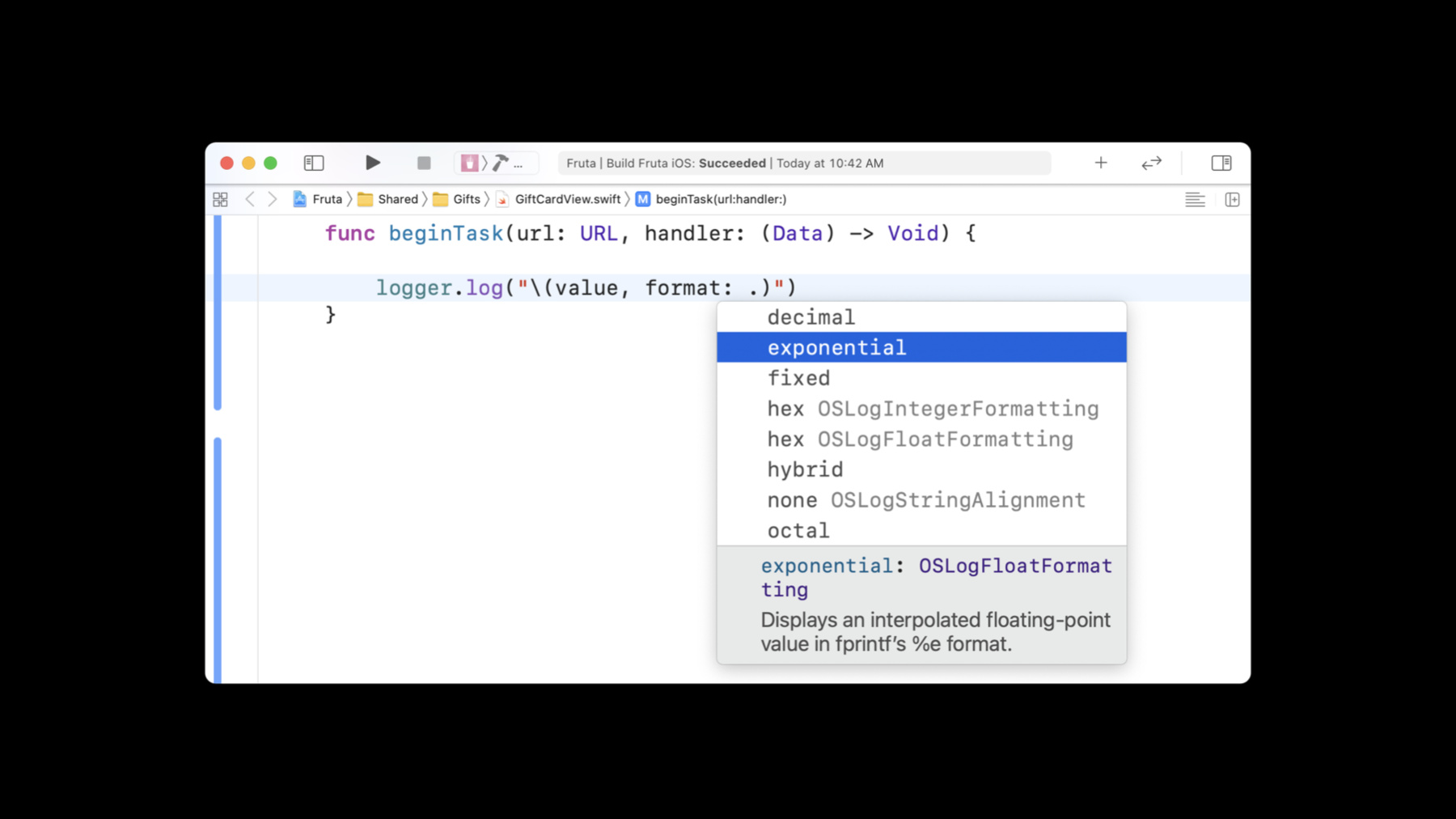
Example of formatting log messages
logger.log("\(data, format: .hex, align: .right(columns: width))")Example illustrating the use of a hash to redact private data, which ensures that identical data get the same hash
logger.log("Paid with bank account: \(accountNumber, privacy: .private(mask: .hash))")Related sessions
-
 14 min
 -
 32 min