2020 Safari & WebSwiftUI & UI FrameworksApp Store, Distribution & Marketing
WWDC20 · 23 min · Safari & Web / SwiftUI & UI Frameworks / App Store, Distribution & Marketing
Configure and link your App Clips
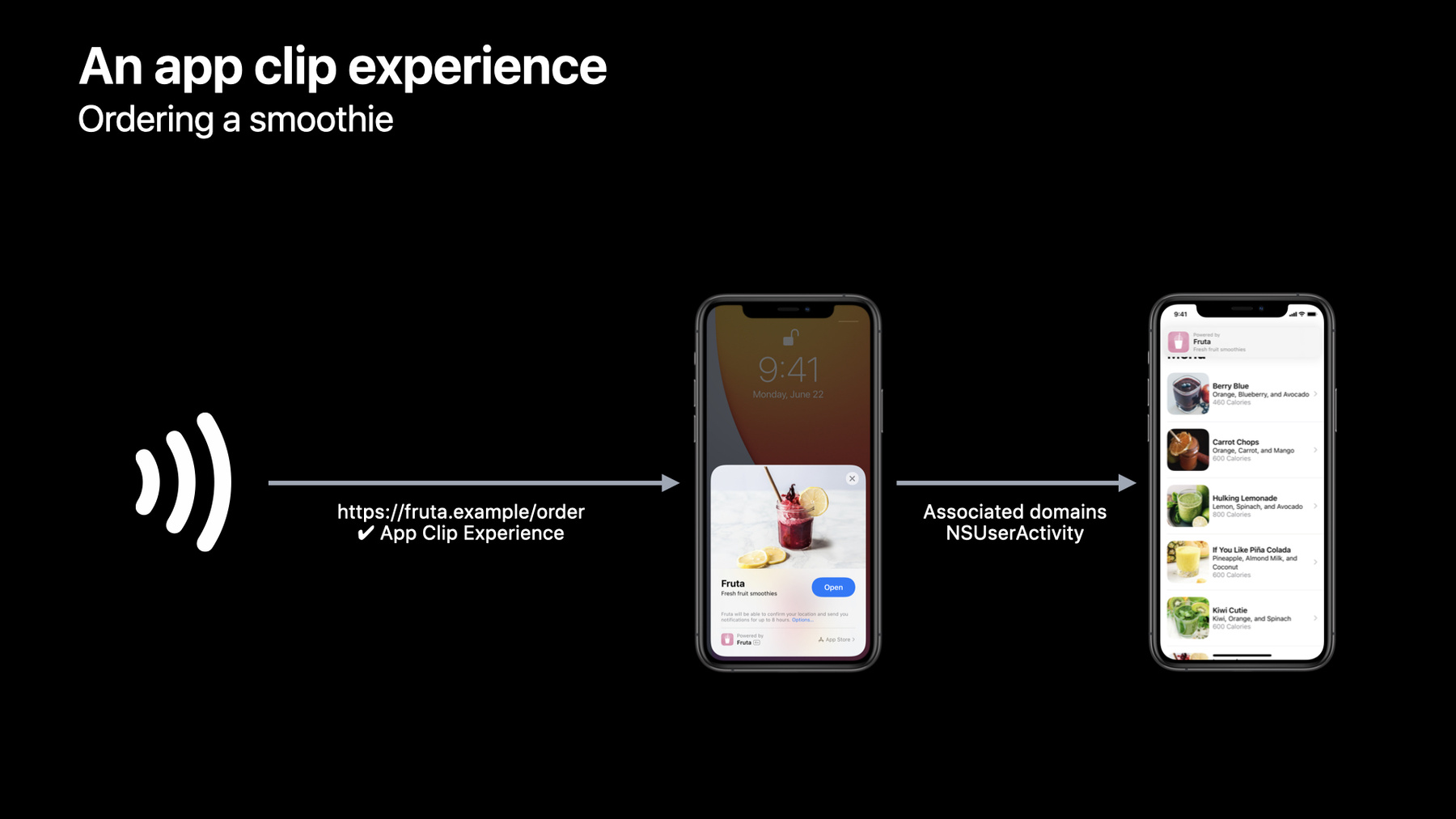
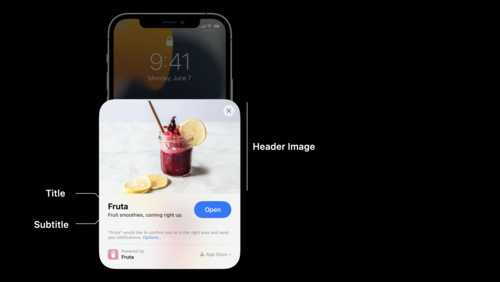
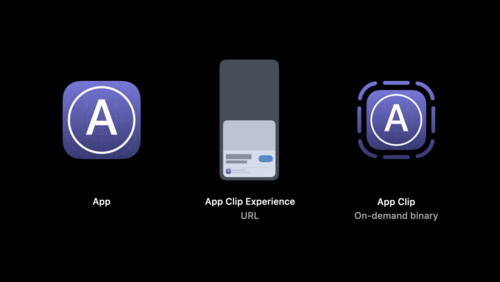
App Clips are small parts of an app that offer a streamlined, direct experience and help people get what they need at the right time. Learn how you can invoke an App Clip through real-world experiences like App Clip Codes, NFC, and QR codes, or have them appear digitally through apps like Maps or Safari. We’ll show you how to handle links in your App Clip and demonstrate how to set up your associated domains. And discover how you can configure App Clip experiences in App Store Connect, add App Clip banners to your website, and thoroughly test your App Clips through TestFlight. To get the most out of this session, you should have experience using Universal Links and associated domains. For a primer, watch “What’s New in Universal Links” from WWDC19.
Watch at developer.apple.com ↗Code shown on screen · 4 snippets
Update the apple-app-site-association file
{
    "appclips": {
        "apps": [ "ABCDE12345.example.fruta.Clip" ]
    },

   ...
}
Configure app clip for link handling (SwiftUI app life cycle)
import SwiftUI

@main
struct AppClip: App {
    var body: some Scene {
        WindowGroup {
           ContentView()
              .onContinueUserActivity(NSUserActivityTypeBrowsingWeb) { userActivity in
                  guard let incomingURL = userActivity.webpageURL,
                        let components = NSURLComponents(url: incomingURL,
                            resolvingAgainstBaseURL: true)
                  else {
                      return
                  }

                  // Direct to the linked content in your app clip.
              }
        }
    }
}
Configure app clip for link handling (UIKit scene-based life cycle)
// Handle NSUserActivity in UISceneDelegate.

class SceneDelegate: UIResponder, UIWindowSceneDelegate {

    func scene(_ scene: UIScene, continue userActivity: NSUserActivity)
    {
        // Get URL components from the incoming user activity
        guard userActivity.activityType == NSUserActivityTypeBrowsingWeb,
            let incomingURL = userActivity.webpageURL,
            let components = NSURLComponents(url: incomingURL,
                resolvingAgainstBaseURL: true)
        else {
            return
        }

        // Direct to the linked content in your app clip.
    }

}
Configure the Smart App Banner to open app clip (HTML)
<meta name="apple-itunes-app"
    content="app-clip-bundle-id=com.example.fruta.Clip,
    app-id=123456789">
Resources
Related sessions
-
 6 min
6 min -
 16 min
 -
 30 min
 -
 23 min
 -
 19 min
 -
 20 min
 -
 22 min
 -
 20 min
 -
 22 min
 -
 17 min