2020 System Services
WWDC20 · 14 min · System Services
Build local push connectivity for restricted networks
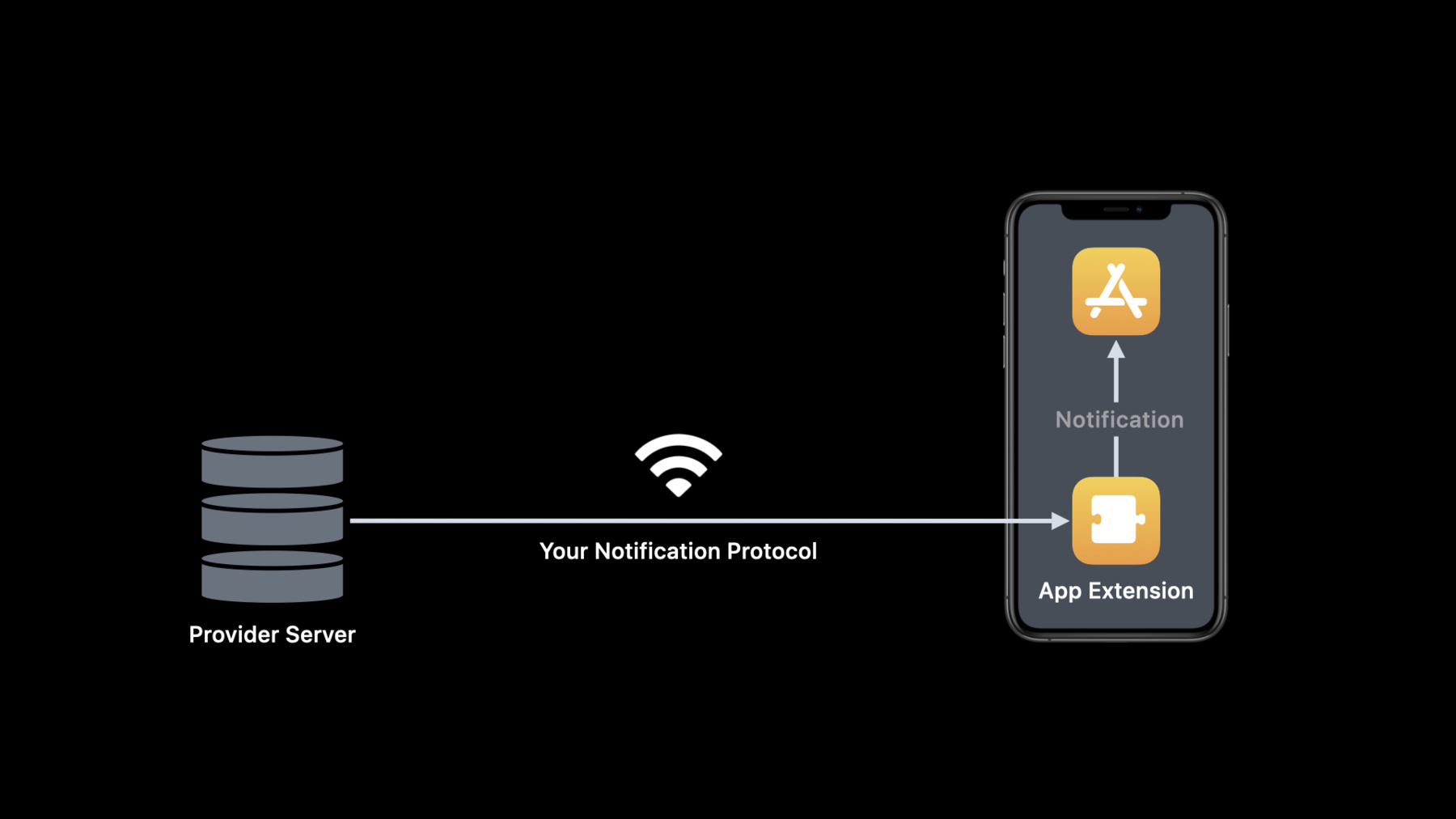
Leverage local push connectivity and deliver notifications from your application server to devices on networks without an internet connection. Learn how to construct notifications for apps running in restricted network environments, helping people communicate with the same reliability and experience they would expect when connected to the internet. We’ll explore the technical details for this technology, when you might want to use it, and how to implement it in your app.
Watch at developer.apple.com ↗Code shown on screen · 3 snippets
Create Configuration
import NetworkExtension

let manager = NEAppPushManager()
manager.matchSSIDs = [ "Cruise Ship Wi-Fi", "Cruise Ship Staff Wi-Fi" ]
manager.providerBundleIdentifier = "com.myexample.SimplePush.Provider"
manager.providerConfiguration = [ "host": "cruiseship.example.com" ]
manager.isEnabled = true

manager.saveToPreferences { (error) in
    if let error = error {
        // Handle error
        return
    }
    // Report success
}
App Extension life cycle management and reporting VoIP call
// Manage App Extension life cycle and report VoIP call

class SimplePushProvider: NEAppPushProvider {

    override func start(completionHandler: @escaping (Error?) -> Void) {
        // Connect to your provider server
        completionHandler(nil)
    }

    override func stop(with reason: NEProviderStopReason,
                                   completionHandler: @escaping () -> Void) {
        // Disconnect your provider server
        completionHandler()
    }

    func handleIncomingVoIPCall(callInfo: [AnyHashable : Any]) {
        reportIncomingCall(userInfo: callInfo)
    }
}
Handling incoming VoIP call in the containing app
class AppDelegate: UIResponder, UIApplicationDelegate, NEAppPushDelegate {
    func application(_ application: UIApplication,
                     didFinishLaunchingWithOptions launchOptions:
                     [UIApplication.LaunchOptionsKey: Any]?) -> Bool {
        NEAppPushManager.loadAllFromPreferences { (managers, error) in
            // Handle non-nil error
            for manager in managers {
                manager.delegate = self
            }
        }
        return true
    }

    func appPushManager(_ manager: NEAppPushManager,
                didReceiveIncomingCallWithUserInfo userInfo: [AnyHashable: Any] = [:]) {
        // Report incoming call to CallKit and let it display call UI
    }
}