2020 Safari & WebSwiftUI & UI Frameworks
WWDC20 · 14 min · Safari & Web / SwiftUI & UI Frameworks
Meet Watch Face Sharing
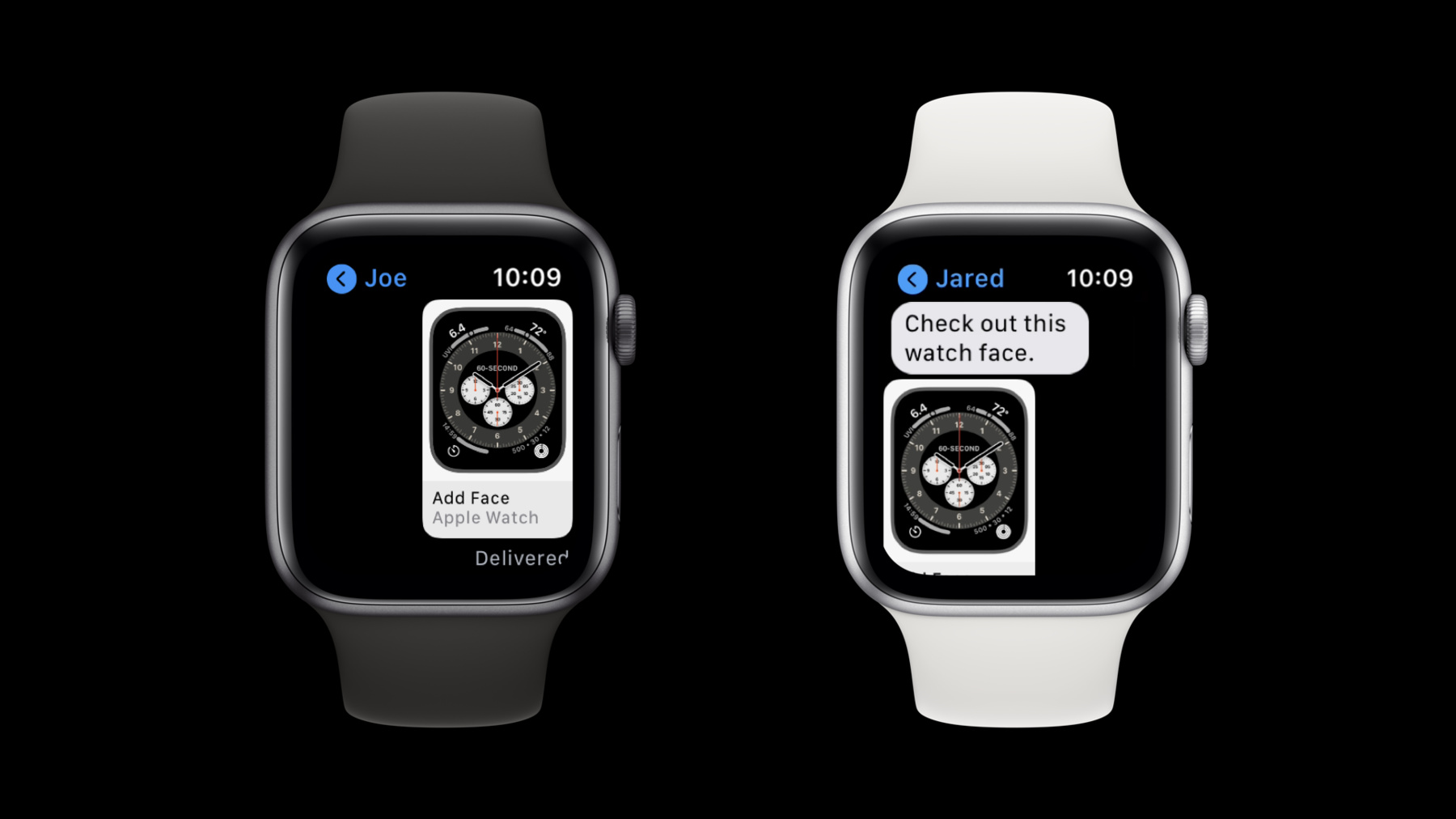
Show off your watchOS app’s complications and create a watch face worth sharing. Learn how to share watch faces inside your watchOS and iOS apps or host them on the web for anyone to find and download. We’ll also explore best practices for using watch face preview images, and show you how to create a smooth installation experience.
Watch at developer.apple.com ↗Code shown on screen · 3 snippets
Detect Paired Watch
var isPaired: Bool {
    if (WCSession.isSupported()) {
        let session = WCSession.default
        session.delegate = self
        session.activate()
        return session.isPaired
    } else {
        return false
    }
}
Add Face Wrapper
private func addFaceWrapper(withName: String) {
    if let watchfaceURL = Bundle.main.url(forResource: withName, withExtension: "watchface") {
        CLKWatchFaceLibrary().addWatchFace(at: watchfaceURL, completionHandler: {
            (error: Error?) in
            if let nsError = error as NSError?, nsError.code == CLKWatchFaceLibrary.ErrorCode.faceNotAvailable.rawValue {
                print(nsError)
            }
            isLoading = false
        })
    }
}
Add Face Wrapper with Fallback Face
private func addFaceWrapper(withName: String, fallbackName: String?) {
    if let watchfaceURL = Bundle.main.url(forResource: withName, withExtension: "watchface") {
        CLKWatchFaceLibrary().addWatchFace(at: watchfaceURL, completionHandler: {
            (error: Error?) in
            if let nsError = error as NSError?, nsError.code == CLKWatchFaceLibrary.ErrorCode.faceNotAvailable.rawValue {
                if let name = fallbackName {
                    // We failed, trying with fallbackName.
                    addFaceWrapper(withName: name, fallbackName: nil)
                }
            }
            isLoading = false
        })
    }
}
Resources
Related sessions
-
 20 min
 -
 23 min
 -
 22 min