2020 Developer ToolsSwiftUI & UI Frameworks
WWDC20 · 38 min · Developer Tools / SwiftUI & UI Frameworks
Optimize the interface of your Mac Catalyst app
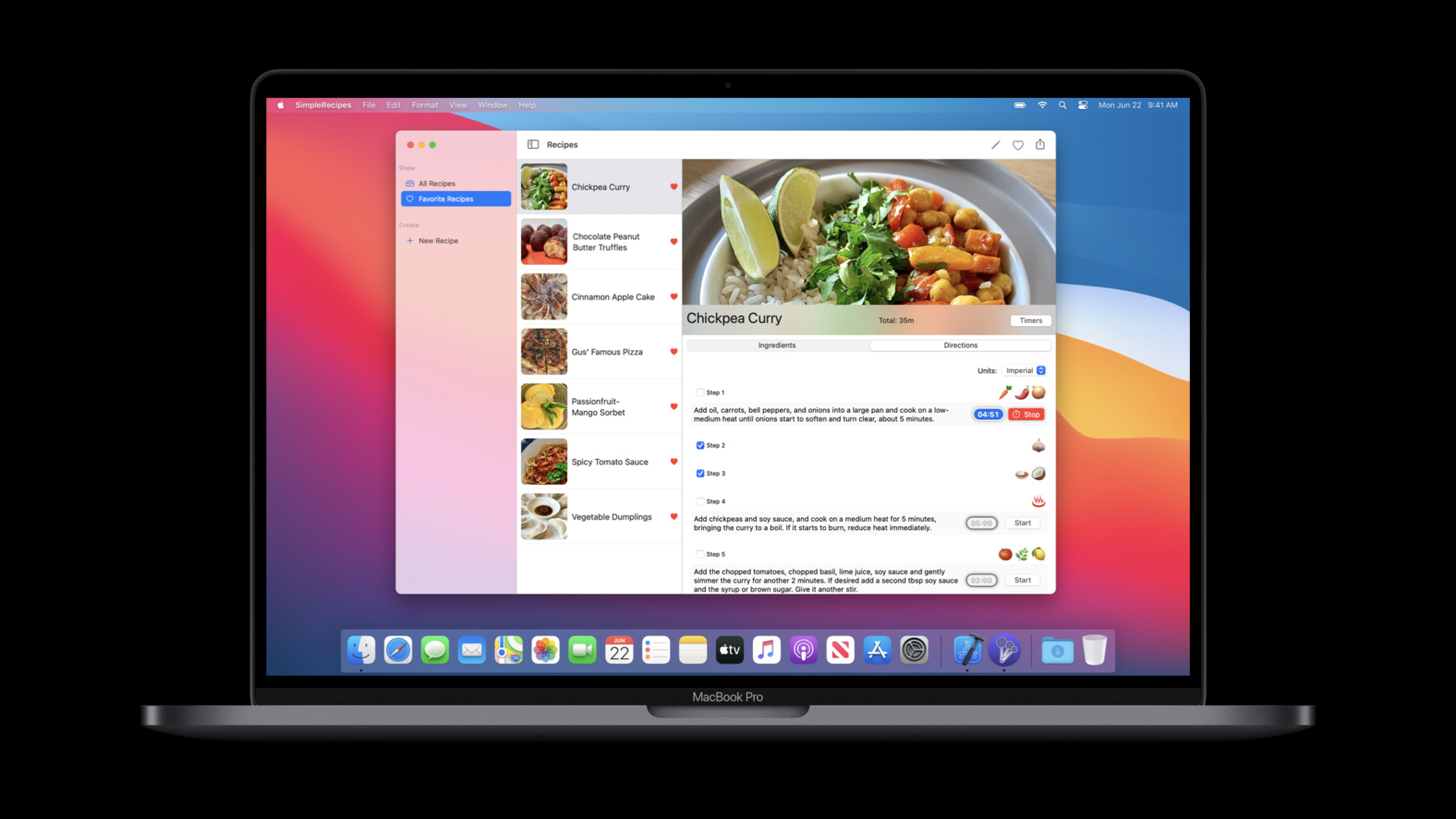
Discover how to tailor your Mac Catalyst app so that it looks and feels even more at home on the Mac by using the new “Optimize Interface for Mac” option in Xcode. Explore new layout and appearance options for Catalyst apps, and learn how they can provide you with graphical performance gains, sharper text, and an interface designed specifically for Apple’s desktops and laptops. We’ll show you how to take advantage of these options and provide best practices for organizing your code when developing for multiple platforms. Developers actively working on a Mac Catalyst project will get the most out of watching this session. If you’re new to Catalyst, we recommend watching “Designing iPad Apps for Mac” and "Introducing iPad Apps for Mac" for an introduction. For more on working with Mac Catalyst, check out "What’s new in Mac Catalyst”
Watch at developer.apple.com ↗Code shown on screen · 8 snippets
Hide Navigation Bar in Mac Idiom
if traitCollection.userInterfaceIdiom == .mac {
    navigationController?.setNavigationBarHidden(true, animated: false)
}
Idiom vs conditional compilation block
// Idiom vs conditional compilation block

if traitCollection.userInterfaceIdiom == .mac {
    // "Optimize Interface for Mac" specific code
}


#if targetEnvironment(macCatalyst)
    // Mac Catalyst specific code
#endif


if traitCollection.userInterfaceIdiom == .mac {
    // "Optimize Interface for Mac" specific code
} else if traitCollection.userInterfaceIdiom == .pad {
    #if targetEnvironment(macCatalyst)
        // Mac Catalyst specific code
    #else
        // iPad specific code
    #endif
}
SwiftUI GroupBox
// Nested GroupBoxes

struct ContentView: View {
    var body: some View {
        GroupBox {
            VStack {
                Text("High level information")
                GroupBox {
                    Text("Some elaborate details")
                }
            }
        }
    }
}
SwiftUI Toggle
// DefaultToggleStyle
struct ContentView: View {
var completed: Bool = false
var body: some View {
Toggle("Complete?", isOn: $completed)
}
}SwiftUI Button
// System Button with SF Symbol

struct ContentView: View {
    var body: some View {
        Button(action: { }, label: {
            HStack {
                Image(systemName: "rays")
                Text("Click Me!")
            }
        })
    }
}
SwiftUI DatePicker
// DefaultDatePickerStyle
struct ContentView: View {
var dueDate = Date()
var body: some View {
DatePicker("Due:", selection: $dueDate)
}
}SwiftUI Picker
// DefaultPickerStyle
struct ContentView: View {
var sizeIndex = 2
var body: some View {
Picker("Size:", selection: $sizeIndex) {
Text("Small").tag(1)
Text("Medium").tag(2)
Text("Large").tag(3)
}
}
}SwiftUI Nineties Style Button
// Custom gradient button

struct CustomNinetiesButtonStyle: ButtonStyle {
    var angle: Angle = .degrees(54.95)

    func gradient(shifted: Bool) -> AngularGradient {
        let lightTeal = Color(#colorLiteral(red: 0.2785285413, green: 0.9299042821, blue: 0.9448828101, alpha: 1))
        let yellow    = Color(#colorLiteral(red: 0.9300076365, green: 0.8226149678, blue: 0.59575665, alpha: 1))
        let pink      = Color(#colorLiteral(red: 0.9437599778, green: 0.3392140865, blue: 0.8994731307, alpha: 1))
        let purple    = Color(#colorLiteral(red: 0.5234025717, green: 0.3247769475, blue: 0.9921132922, alpha: 1))
        let softBlue  = Color(#colorLiteral(red: 0.137432307, green: 0.5998355746, blue: 0.9898411632, alpha: 1))

        let gradient = Gradient(stops:
                                    [.init(color:lightTeal, location: 0.2),
                                     .init(color: softBlue, location: 0.4),
                                     .init(color: purple, location: 0.6),
                                     .init(color: pink, location: 0.8),
                                     .init(color: yellow, location: 1.0)])

        return AngularGradient(gradient: gradient, center: .init(x: 0.25, y: 0.55), angle: shifted ? angle : .zero)
    }

    func makeBody(configuration: ButtonStyleConfiguration) -> some View {
        let background = NinetiesBackground(isPressed: configuration.isPressed,
                                            pressedGradient: gradient(shifted: false),
                                            unpressedGradient: gradient(shifted: true))
        return configuration.label
            .foregroundColor(configuration.isPressed ? Color.pink : Color.white)
            .modifier(background)
    }

    struct NinetiesBackground: ViewModifier {
        let isPressed: Bool
        let pressedGradient: AngularGradient
        let unpressedGradient: AngularGradient

        func body(content: Content) -> some View {
            let foreground = content
                    .padding(.horizontal, 24)
                    .padding(.vertical, 14)
                    .foregroundColor(.white)
            return foreground
                .background(Capsule().fill(isPressed ? pressedGradient : unpressedGradient))
        }
    }
}
struct ContentView: View {

    var body: some View {
      Button("Awesome", action: {})
          .buttonStyle(CustomNinetiesButtonStyle())
    }
}
Resources
Related sessions
-
 27 min
 -
 24 min
 -
 28 min
 -
 20 min
 -
 15 min
 -
 15 min
 -
 41 min
 -
 40 min
 -
 30 min